What you will learn
- Identify common computer hardware components.
- Explain the roles of CPU, RAM, storage and GPU.
- Describe how a motherboard connects components.
- Distinguish hardware from software.
- Trace a simple computer task from input to output.
What are computer hardware components?
Computer hardware components are the physical parts of a computer that receive input, process instructions, hold working information, store files and produce output. They include internal parts such as the CPU and RAM, plus external devices such as a keyboard, monitor and mouse.
Hardware works with software. The hardware provides the physical machinery; software provides the instructions and data that tell the machine what tasks to perform.
Understand the main computer hardware components
| Component | Main job | Simple comparison |
|---|---|---|
| CPU (processor) | Executes program instructions and coordinates many calculations. | The worker following instructions. |
| RAM (memory) | Holds data and instructions currently in use; it is temporary. | A desk holding today's open work. |
| Storage (SSD or HDD) | Keeps the operating system, applications and files when power is off. | A filing cabinet for saved work. |
| GPU (graphics processor) | Processes graphics and parallel workloads. | A specialist team for visual calculations. |
| Motherboard | Connects components and allows them to communicate. | The roads and shared platform. |
| Power supply | Converts and distributes electrical power to components. | The power system. |
| Cooling system | Moves heat away so components can operate within safe limits. | The ventilation system. |
How does the CPU work with RAM?
The CPU executes instructions, while RAM holds the program data and instructions that are actively needed. When you open an application, the operating system loads parts of it into memory. The processor then reads and works with those instructions instead of treating long-term storage as its immediate workspace.
CPU speed is not the only factor in overall performance. The number of tasks, memory capacity, storage speed, cooling and software workload all influence how responsive a computer feels.
What is the difference between RAM and storage?
RAM is temporary working memory used while the computer is running, and its contents are normally lost when power is removed. Storage keeps files and applications for later use. A computer needs both: RAM for active work and an SSD or hard drive for long-term retention.
For example, a document saved to an SSD remains there after shutdown. When you open the document, relevant data is loaded into RAM so the processor and applications can work with it.
What does a GPU do?
A graphics processing unit handles the calculations needed to create images, video and visual effects. Integrated graphics are built into a processor or system-on-chip; a dedicated graphics card has its own graphics hardware and memory. The right option depends on the tasks a computer must perform.
Web browsing and document editing may not need a powerful dedicated GPU. 3D design, high-resolution video work, scientific visualization and some machine-learning workloads can benefit from more graphics processing capability.
How does the motherboard connect everything?
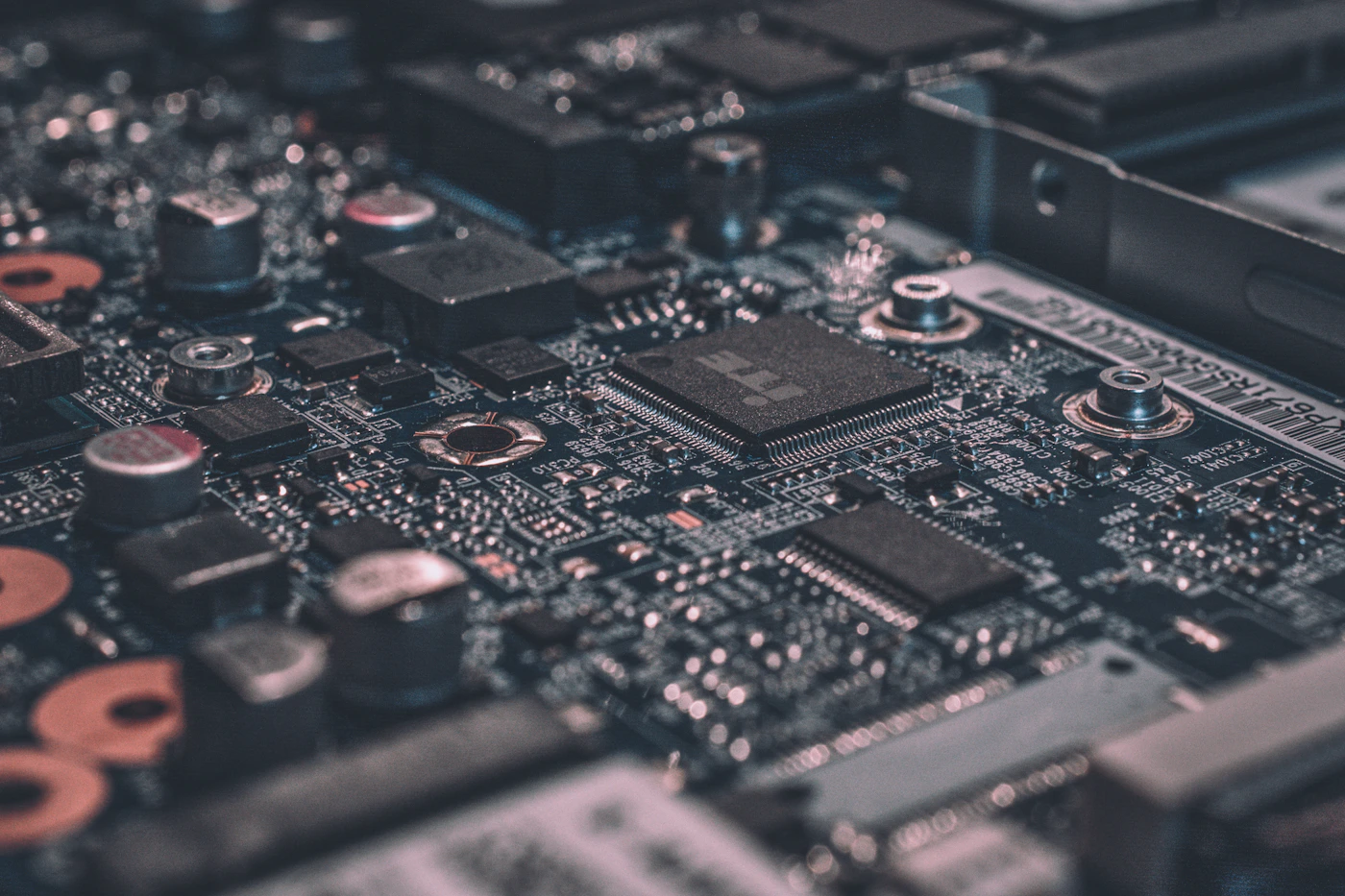
The motherboard is the main circuit board. It provides sockets, slots and connectors for the processor, memory, storage, expansion cards, power and external ports. Its chipset and electrical pathways help components exchange data, but not every motherboard supports every processor or memory type.
Compatibility matters when upgrading a computer. A processor must match the board's supported socket and firmware; memory must match its supported type and configuration; and the case and power supply must support the installed components.
How do power and cooling affect a computer?
The power supply provides the electrical power required by the system. Cooling uses heat sinks, fans or liquid-cooling loops to move heat away from components. If cooling is inadequate, a system may reduce performance to control temperature or shut down to protect itself.
Keep vents clear, use a suitable power supply and follow the manufacturer's installation guidance. Do not open a power supply unit; it can contain components that remain hazardous even after it is unplugged.
Trace a simple computer task
Imagine opening a saved photo:
- You use a mouse or trackpad to select the file.
- The operating system reads the file from storage.
- Data needed by the application is loaded into RAM.
- The CPU executes the application's instructions.
- The GPU helps render the image on the display.
- The monitor presents the visual output.
This is a simplified explanation. Real systems use caches, device controllers, operating-system services and many other components, but the sequence gives beginners a useful mental model.
Observe hardware without opening the computer
You can connect the lesson to a real device without removing a cover or changing any settings. On a Windows computer, press Ctrl + Shift + Esc to open Task Manager, then select Performance. Depending on the device, you can inspect processor, memory, disk and graphics activity while a program opens or a file saves.
- Note the processor name shown under CPU.
- Open a normal browser tab and observe whether CPU or memory use changes.
- Open a file and notice that storage activity may briefly rise while the program reads information.
- Play a short video and check whether graphics activity appears under GPU, if the device exposes that view.
- Close the program and observe how the readings change.
This is an observation exercise, not a performance benchmark. A brief percentage reading cannot tell you whether a component is good or faulty: the workload, available memory, background tasks, temperature and device design all matter. Never open a school or shared computer to inspect internal parts unless an authorized technician has asked you to do so.
Practice task: identify a computer's components
- Write down a computer you use regularly.
- Find its processor model, installed RAM and storage type from system information.
- Check whether it uses integrated or dedicated graphics.
- Identify two input devices and two output devices.
- Explain what happens when you open and save a document.
Never remove internal components while a computer is powered on. For hardware inspection or upgrades, follow the device manufacturer's safety and compatibility instructions.
Quick review
- The CPU executes instructions.
- RAM holds temporary working data.
- Storage preserves files when power is off.
- The GPU handles graphics and other parallel tasks.
- The motherboard connects components; the power supply and cooling help the system operate safely.
Frequently asked questions
What are the five main hardware components of a computer?
A simple beginner list includes the CPU, RAM, storage, motherboard and power supply. Many modern systems also use a GPU, cooling components and network hardware. External devices such as a keyboard, mouse and monitor provide input and output for the user.
Is RAM the same as storage?
No. RAM temporarily holds information that active programs need, while storage keeps files and applications for later use. RAM normally loses its contents when power is removed. An SSD or hard drive preserves saved data, although each storage technology has different performance characteristics.
Does every computer need a dedicated graphics card?
No. Many computers use graphics built into the processor or system-on-chip. A dedicated graphics card is useful for demanding games, 3D work, video production and some compute tasks. Choose graphics capability based on the actual workload, budget, power and device compatibility.
What does a motherboard do in a computer?
The motherboard provides the main circuit board that connects the processor, memory, storage, expansion cards and external ports. Its sockets and interfaces determine which components can be installed. Compatibility depends on the exact motherboard model, supported processor generation, memory type and firmware.
How can I find out what hardware my computer has?
Use the system information or device settings provided by your operating system to identify the processor, memory, storage and graphics adapter. You can also check the manufacturer's support page using the exact model number. Avoid opening the device unless you understand its safety instructions.
Further learning
After this lesson, compare the hardware roles with the way an operating system schedules processes and manages memory. Then explore how network hardware connects devices and how software uses those resources.
Related lessons and practical guides
Continue learning with these connected Avenqora Vortax resources:
- Operating Systems: Processes, Memory and File Systems — See how an operating system manages processor time, memory and files.
- Introduction to Computer Networks — Connect hardware knowledge with network devices and communication.
- Web Development Basics: HTML, CSS and JavaScript — Explore the software students use on computer hardware.
- Choosing the Right SaaS Architecture as Your Product Grows — See how applications and their infrastructure are organized beyond one computer.
Further reading
- Microsoft Learn: Explore computers: beginner training module
- American Public University: Basic Components of a Computer: How They Function for Users
- HP Tech Takes: Computer components glossary